
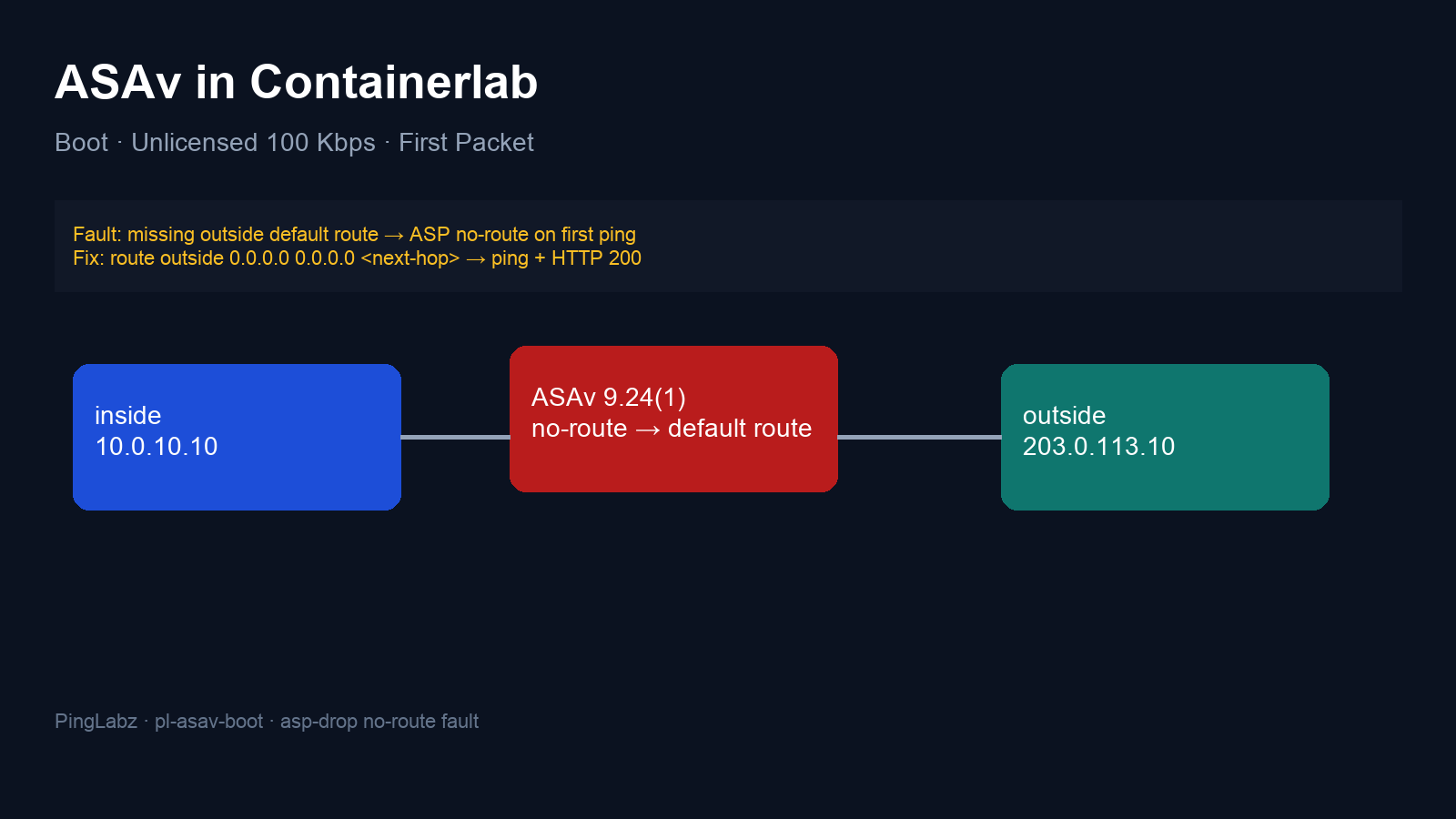
Both ASAv data interfaces were up. The inside ACL permitted the test traffic, and dynamic PAT was configured. The first three pings still failed. On the inside capture, the echo requests reached the firewall; on the outside capture, there were no packets at all.
The missing piece was an outside route. Adding one line changed the result to three replies and a successful HTTP request.
This ASAv Containerlab lab follows that path from first boot to a verified packet crossing the firewall. It uses the recorded ASA 9.24(1) run, including its platform-discovery reboot, slow startup, and visible unlicensed throughput limit.
Why use ASAv in Containerlab?
A three-node topology gives us a firewall and a Linux endpoint on each side. That is enough to generate traffic, capture both links, and compare the ASA's diagnosis with packets that actually crossed the wire. The outside endpoint also hosts the destination address and a small HTTP service, so the test stays inside the lab.
The recorded setup used Containerlab kind cisco_asav, image tag vrnetlab/cisco_asav:9-24-1, and Alpine Linux 3.24.2 endpoints. ASAv reported 2048 MB of RAM. Those are details of this run, not minimum hardware requirements or a promise that another image will boot identically.
For the image preparation and Containerlab platform background, see Cisco Images in Containerlab: IOL, vIOS, ASAv, FTDv, N9Kv and 9800. For the initial CLI setup, keep Cisco ASA Initial Setup from CLI nearby. Here, the focus is the wait for a usable appliance and the first traffic through it.
Cisco ASAv boot: what the wait looked like
The container started at 13:48:18 UTC. A usable authenticated privileged CLI was recorded about 9 minutes 42 seconds later.
| Recorded milestone | UTC, 17 October 2026 | Time since container start |
|---|---|---|
| Container started | 13:48:18.616 | 0:00 |
| Platform discovery triggered a self-reboot | 13:52:10.287 | 3:51.671 |
| Launcher reported startup complete | 13:57:43.070 | 9:24.453 |
| First authenticated privileged CLI, after credential rotation | 13:58:00.901 | 9:42.284 |
| Watcher first observed Docker healthy | 13:58:10.971 | 9:52.355 |
The launcher reported its own startup duration as 0:09:23.108952. That differs slightly from the container-start measurement because the clocks start at different events. The watcher polled every 30 seconds, so its first healthy observation is an upper bound on the health transition.
Several details matter when judging this boot:
- Docker running came well before ASA readiness. The watcher recorded
starting, thenunhealthy, before eventually seeinghealthy. This run completed without a manual restart or console recovery. - The appliance rebooted after discovering its platform. The log explicitly recorded successful discovery followed by a reboot to apply the platform type. That reboot was part of this successful first boot.
- A later log line mentioned a wrong EFI loader signature. The kernel booted immediately afterward, and startup completed. In this capture, that message alone did not mean the boot had failed.
- First login required credential rotation. The authenticated CLI timestamp includes completion of that step; it is not an exact measurement of the earliest possible SSH response.
- ASA's own startup timer covered a shorter interval.
show versionreportedStart-up time 40 secs, which did not describe the full container-to-CLI wait.
Treat these timings as one observed boot. When another boot takes longer, compare health observations with appliance and launcher progress before deciding to restart it.
Topology: put the target beyond the outside subnet
The traffic path is inside Linux → ASAv → outside Linux → outside loopback. The loopback is on the same outside Linux node; there is no fourth router or Internet dependency.
| Node or interface | Address | Purpose |
|---|---|---|
Inside Linux eth1 |
192.0.2.10/24 |
Ping and HTTP client |
ASAv GigabitEthernet0/0, inside |
192.0.2.1/24 |
Client gateway, security level 100 |
ASAv GigabitEthernet0/1, outside |
198.51.100.1/30 |
Firewall egress, security level 0 |
Outside Linux eth1 |
198.51.100.2/30 |
ASA's next hop |
Outside Linux lo |
203.0.113.10/32 |
ICMP target and HTTP server on TCP 8000 |
Containerlab connected ASA eth1 to inside Linux eth1, and ASA eth2 to outside Linux eth1. In the guest, those ASA data ports appeared as GigabitEthernet0/0 and GigabitEthernet0/1.
The inside Linux node had a host route for 203.0.113.10/32 through 192.0.2.1. The target deliberately sits beyond the ASA's connected outside subnet. A test aimed only at the adjacent 198.51.100.2 would not exercise the missing route to this destination.
The baseline before the first ping
The fault was intentional: the baseline omitted the outside default route. The wrapper's management default route was removed only after a specific management return route had been installed. If you reproduce that arrangement, use the return route appropriate to your management network and verify access before removing its default.
On the ASA, the tested data-interface configuration was:
interface GigabitEthernet0/0
 nameif inside
 security-level 100
 ip address 192.0.2.1 255.255.255.0
 no shutdown
exit
interface GigabitEthernet0/1
 nameif outside
 security-level 0
 ip address 198.51.100.1 255.255.255.252
 no shutdown
exit
PAT, the narrowly scoped inside ACL, and ICMP inspection were already present. The following baseline excerpt belongs in ASA configuration mode; it does not add the missing route:
object network INSIDE_NET
 subnet 192.0.2.0 255.255.255.0
 nat (inside,outside) dynamic interface
exit
access-list INSIDE_IN extended permit icmp host 192.0.2.10 host 203.0.113.10
access-list INSIDE_IN extended permit tcp host 192.0.2.10 host 203.0.113.10 eq 8000
access-group INSIDE_IN in interface inside
class-map inspection_default
 match default-inspection-traffic
exit
policy-map global_policy
 class inspection_default
  inspect icmp
 exit
exit
service-policy global_policy global
PAT translates the inside source to the outside interface address. The ACL permits this client's ICMP and TCP 8000 traffic to the target. ICMP inspection was enabled in the global policy for the ping exchange.
Before testing, inspect show route, show interface ip brief, show nat, show access-list, show service-policy, and show asp drop from the privileged ASA CLI. These commands were captured in the baseline check. Both data interfaces showed up/up; the route table reported:
Gateway of last resort is not set
The connected inside and outside networks were present, along with the management return route. There was no route covering 203.0.113.10.
First ping: ASA no-route in ASP drop counters
From the inside Linux node, the recorded test ran ping -I 192.0.2.10 -c 3 -W 2 203.0.113.10. Its output was:
PING 203.0.113.10 (203.0.113.10) from 192.0.2.10: 56 data bytes

--- 203.0.113.10 ping statistics ---
3 packets transmitted, 0 packets received, 100% packet loss
The simultaneous captures narrow the failure down. Inside, ARP resolved the ASA gateway and all three echo requests appeared. Outside, the capture contained zero packets during the test window. That places the failure before any observed outside transmission.
The baseline show asp drop had no no-route entry. Immediately after the real pings, the ASA reported:
No route to host (no-route) 3
ASP drop counters describe reasons the ASA discarded traffic. Here, the increase of three matches the three failed echo requests, while the empty outside capture and missing route support the same diagnosis. Other drop reasons already existed before this test; their presence alone did not identify the ping failure.
Confirm the diagnosis with packet-tracer
After collecting the real-traffic counter change, run this from the privileged ASA CLI:
packet-tracer input inside icmp 192.0.2.10 8 0 203.0.113.10 detailed
The recorded final result was:
Result:
input-interface: inside
input-status: up
input-line-status: up
Action: drop
Time Taken: 203304 ns
Drop-reason: (no-route) No route to host, Drop-location: frame snp_sp_ingress:7117 flow (NA)/NA
The simulation's initial ACCESS-LIST phase showed ALLOW, but its final action was drop. Read the final result as well as individual phase results: an allowed phase does not establish end-to-end forwarding.
There is a useful measurement trap here. After this single failed simulation, no-route rose from 3 to 4. Packet-tracer changed the counter too. Generate real traffic and record its counter delta before running simulations, or you can accidentally attribute a simulated drop to a packet from the client.
Fix the missing outside default route
Enter configure terminal on the ASA and add the captured repair:
route outside 0.0.0.0 0.0.0.0 198.51.100.2 1
Then leave configuration mode with end and check show route. The recorded routing-table excerpt was:
Gateway of last resort is 198.51.100.2 to network 0.0.0.0

S*       0.0.0.0 0.0.0.0 [1/0] via 198.51.100.2, outside
The next hop is the directly connected outside Linux address. With the default installed, the ASA has a path to its loopback destination at 203.0.113.10.
Only the route changed in this repair. The existing PAT, inside ACL, and ICMP inspection stayed in place.
Re-verify with real traffic, then simulation
Repeat the same ping from inside Linux. The captured result was:
PING 203.0.113.10 (203.0.113.10) from 192.0.2.10: 56 data bytes
64 bytes from 203.0.113.10: seq=0 ttl=64 time=2.406 ms
64 bytes from 203.0.113.10: seq=1 ttl=64 time=2.257 ms
64 bytes from 203.0.113.10: seq=2 ttl=64 time=1.988 ms

--- 203.0.113.10 ping statistics ---
3 packets transmitted, 3 packets received, 0% packet loss
round-trip min/avg/max = 1.988/2.217/2.406 ms
The outside node's HTTP service supplied a second check. From inside Linux, wget -T 6 -S -O - http://203.0.113.10:8000/ returned:
Connecting to 203.0.113.10:8000 (203.0.113.10:8000)
  HTTP/1.0 200 OK
  Server: SimpleHTTP/0.6 Python/3.14.8
  Date: Sat, 17 Oct 2026 13:58:34 GMT
  Content-type: text/html
  Content-Length: 66
  Last-Modified: Sat, 17 Oct 2026 13:49:18 GMT

writing to stdout
ASAv first application packet: HTTP reached the outside loopback.
This was a real HTTP response with a 66-byte body. It adds evidence that the small TCP application exchange completed through the firewall.
Check both sides of PAT
The first successful echo request appeared in the inside capture as:
2026-10-17 13:58:32.008624 IP 192.0.2.10 > 203.0.113.10: ICMP echo request, id 49, seq 0, length 64
The corresponding outside request was:
2026-10-17 13:58:32.010562 IP 198.51.100.1 > 203.0.113.10: ICMP echo request, id 49, seq 0, length 64
The destination stayed 203.0.113.10; the source changed from 192.0.2.10 to 198.51.100.1. Replies appeared on both links. This is packet evidence of the configured interface PAT, alongside the successful client result.
After real ping and HTTP traffic, show asp drop still contained:
No route to host (no-route) 4
That value includes the earlier failures. The repair did not clear the historical counter, and the successful traffic added no new no-route drops.
Finally, rerunning the same ICMP packet-tracer produced:
Result:
input-interface: inside
input-status: up
input-line-status: up
output-interface: outside
output-status: up
output-line-status: up
Action: allow
Time Taken: 203698 ns
A TCP packet-tracer using packet-tracer input inside tcp 192.0.2.10 45000 203.0.113.10 8000 detailed also ended in allow. The counter remained at 4 after both successful simulations.
| Checkpoint | Recorded no-route count | Change |
|---|---|---|
| Before traffic | No entry, treated as 0 | Baseline |
| After three failed real pings | 3 | +3 |
| After failed ICMP packet-tracer | 4 | +1 |
| After route repair and real ping plus HTTP | 4 | 0 |
| After successful ICMP and TCP packet-tracers | 4 | 0 |
ASAv license free: the captured 100 Kbps limit
If you arrived here searching for “ASAv license free,” the useful distinction is between an appliance that forwards this lab traffic while unlicensed and an unrestricted license.
In this run, show version reported ASAv Platform License State: Unlicensed, no active entitlement, and Firewall throughput limited to 100 Kbps.
The unlicensed appliance completed the three-ping test and the small HTTP request. Those results support using this setup to observe routing, ACLs, PAT, and packet flow at a small scale. They do not measure sustained throughput, establish licensing rights, or show that every feature is available. The captured 100 Kbps limit also did not explain the initial failure: the ASA reported no-route, and adding the route restored traffic without a licensing change.
First-ping checklist
- Follow appliance and launcher progress through first boot; distinguish container state from ASA readiness.
- Complete any required first-login credential change and confirm privileged CLI access.
- Check both data interfaces and the route to a target beyond the connected outside subnet.
- If changing wrapper management routing, preserve and verify the management return path first.
- Inspect the actual NAT, ACL, and inspection policy before changing them.
- Record ASP counters, send real traffic, and record the delta before packet-tracer.
- Compare inside and outside captures with packet-tracer's final action and drop reason.
- After repair, repeat the client test, check PAT in the captures, and look for new drops rather than expecting old counters to disappear.
- Read the appliance's reported license state before planning larger traffic tests.
For a fuller policy exercise, continue with Cisco ASA Inside/Outside/DMZ Configuration Walkthrough. If the route is present and the evidence points toward translation, ASA NAT Troubleshooting: Stale Manual NAT Overrides Static NAT follows a different fault through the NAT rules and packet-tracer.