PINGLABZ // THE BOOK
PingLabz CCNA Hands-On
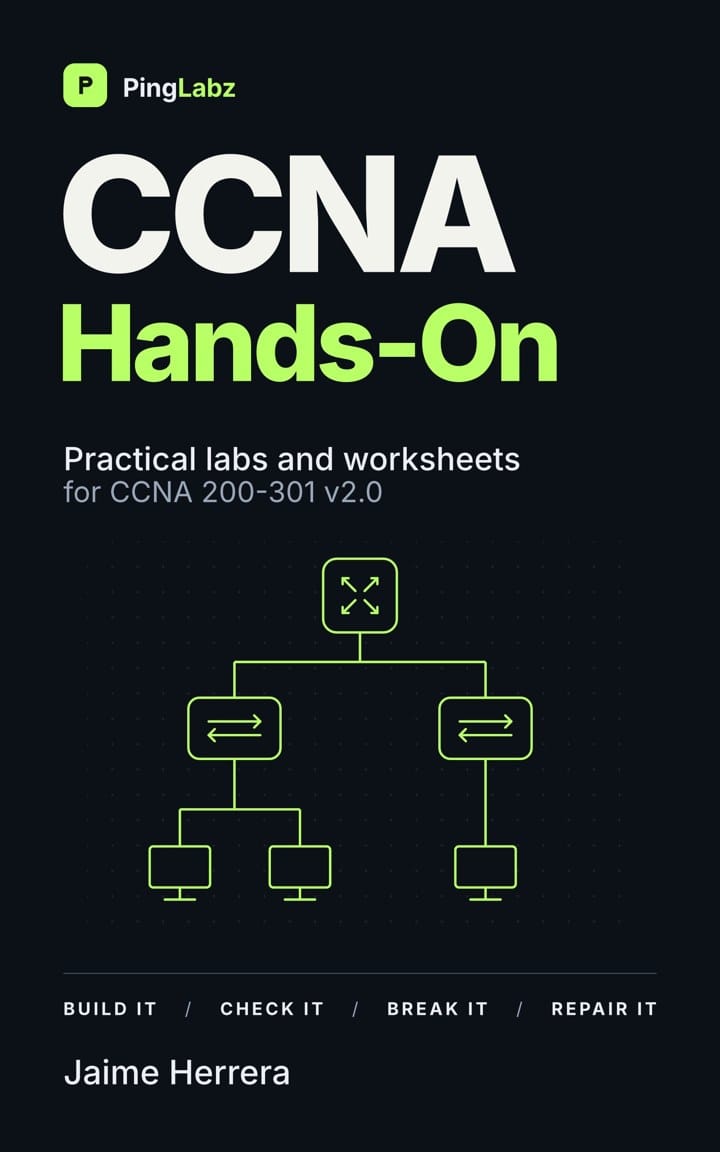
Practical Labs and Worksheets for CCNA 200-301 v2.0
94 labs and worksheets that teach networking by doing it. Every lab gives you a goal, a topology, numbered tasks and a way to check your work. Then you break the network on purpose and repair it.
Coming soon to Amazon in paperback and Kindle. This is the book's home page: the address printed inside the book.
Planning your CCNA exam?
This book follows the CCNA 200-301 v2.0 blueprint. The refreshed exam is scheduled to begin February 3, 2027. If you plan to sit the exam before that date, check the current exam topics and use the book alongside a study guide or course for that version.
How every lab works
01 // BUILD
Build it
Configure the devices from numbered tasks and a printed topology.
02 // CHECK
Check it
Prove the result with show commands, pings and the output you should expect.
03 // BREAK
Break it
Apply a fault card or a deliberate mistake, then read the symptoms.
04 // REPAIR
Repair it
Find the cause, fix it, and verify the network is healthy again.
What's inside
- 94 labs and worksheetsHands-on labs on routers, switches and Linux hosts, plus supplied-data worksheets for topics like wireless, APIs and AI-assisted operations.
- Worked solutions for every labComplete configurations and the reasoning behind them, so you can check yourself when you get stuck.
- 11 fault cards with graded hintsFaults you type in without studying, then find with nothing but your troubleshooting.
- A CCNA v2.0 objective mapShows which labs practice each exam topic, and which topics the book covers by reading only.
- Your first working connection
- Addresses, subnets, and client settings
- Ethernet and access VLANs
- Trunks and VLAN gateways
- Spanning tree and protected ports
- LACP and logical links
- IPv4 routes and return paths
- IPv6 addressing and static routes
- Single-area OSPFv2
- OSPFv3 and redundant gateways
- DHCP and DNS
- NAT and network operations
- Secure management and access lists
- Protect the access switch
- Wireless decisions and client diagnosis
- APIs, automation, and AI
- Build and repair complete networks
Lab files, corrections and updates
FREE MEMBER DOWNLOAD
Lab files
Download the book’s scripts and supporting files in one ZIP: 35 files across 19 labs, including the complete multipart programs, DNS files and Lab 16.1 practice API. A guide shows where each file belongs.
Free registration is all you need. Existing free and paid members can sign in. No paid subscription is required.
FIRST EDITION · OCTOBER 2026
Corrections
One coverage-map clarification is listed below. Corrections are public and do not require an account.
Found a mistake? Email contact@pinglabz.com with the page number, lab number and what you saw.
Errata: October 2026 edition
Page 403 — CCNA v2.0 objective 1.1
The objective-map note overstates what the Chapter 3 introduction covers. Lab 3.6 (pages 50–51) provides cable and reach specifications; the introduction does not teach pinout or optical-signal diagnosis.
Read the note as:
Supporting labs only. Lab 3.6 covers supplied cable and reach specifications; pinout and optical-signal diagnosis need additional study.
This clarifies the scope of coverage. It does not change the lab steps or answers.
Book Mode: the labs in your browser
Book Mode at labs.pinglabz.com runs the book's 94 exercises in a browser simulator. Each one opens with its starting configuration already in place, with guided steps, hints, a solution you can reveal, and checks that tell you when you're done. It's a companion, not a requirement: the book works on its own with practice equipment or a lab tool.
Book Mode is included with PingLabz Pro: $7.99 billed monthly or $59 billed yearly. Pro also unlocks the full practice library. New to the console? The IOS Essentials lab is free, with no account needed.
Before you start
What equipment do I need?
Practice routers, switches and Linux hosts, or a lab tool that supports the lesson you choose. The Equipment by chapter table at the back of the book lists what each chapter uses. Worksheets need only the book.
Do I need a paid membership for the downloads?
No. The book’s lab files are free for registered PingLabz members. Sign in with a free or paid account to download them. The optional Book Mode browser simulator requires PingLabz Pro.
Does the book work without Book Mode?
Yes. The book supplies the instructions, topologies or connection tables, and solutions for every lab. Book Mode is optional browser practice for when you don't have a lab running.
Will it prepare me for the exam on its own?
Use it alongside a CCNA study guide or course. The book builds hands-on skill; the objective map shows what it practices and what you should study elsewhere.
Is this an official Cisco book?
No. It's an independent publication, not affiliated with, sponsored by or endorsed by Cisco Systems, Inc. Cisco and CCNA are trademarks of Cisco Systems, Inc.
Who wrote it?
Jaime Herrera is a triple CCIE (Wireless, Routing and Switching, Security) with more than twenty years in IT, from the help desk to leading network and cybersecurity teams. He writes PingLabz.